Your bank and your books. Always in sync.
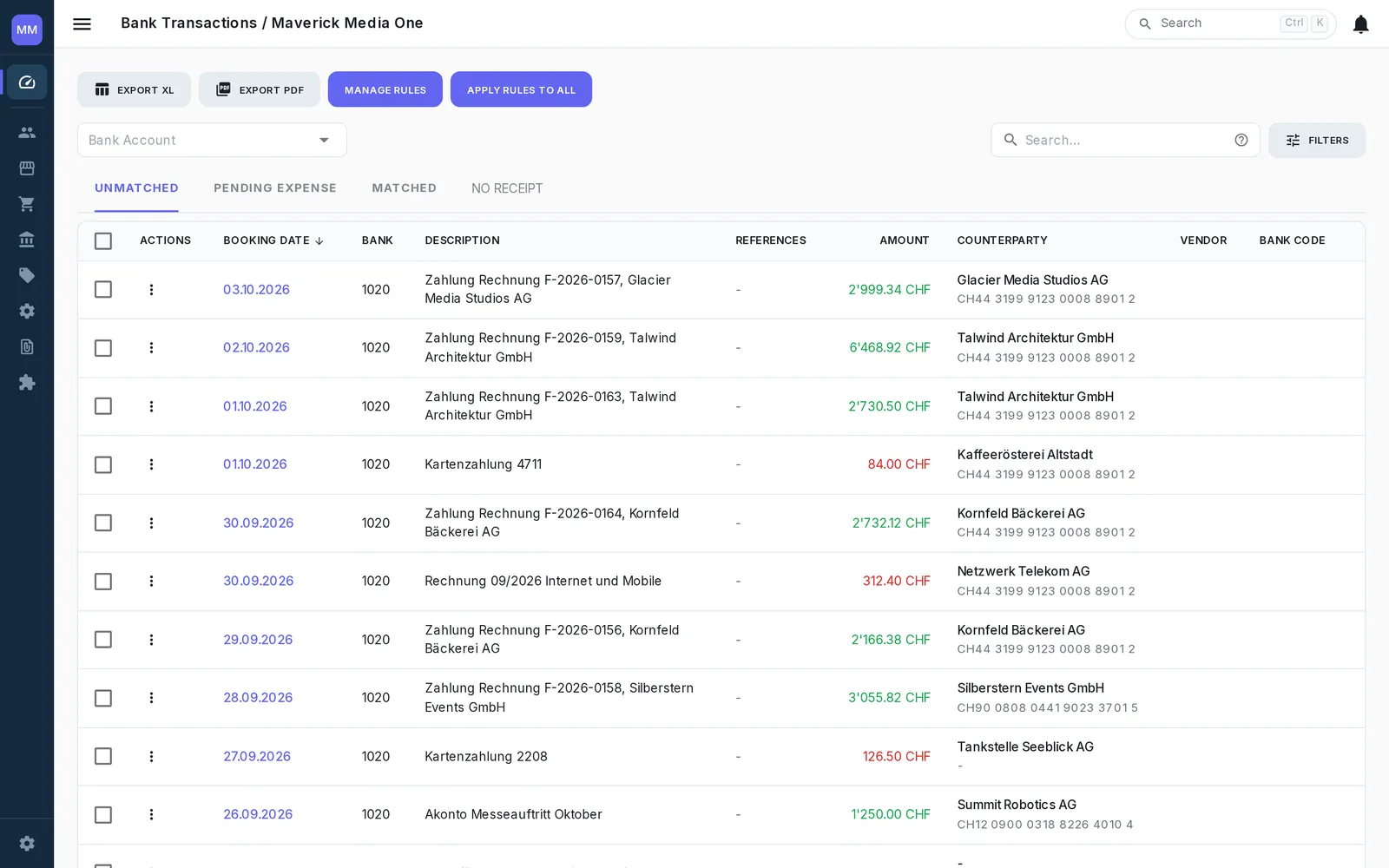
Bank transactions flow into neoo automatically every day, approved payments flow straight back to your bank, and intelligent matching and booking rules take care of the work in between.
Your bank. Connected.
Keep your existing bank accounts and let neoo automatically bring the transactions to you. Connected today: amnis, Revolut, Wise, PostFinance, UBS, Raiffeisen, Zuger Kantonalbank, Zürcher Kantonalbank — and more to come.
- Daily automatic transaction sync
- Multiple bank accounts & currencies
- camt.053 / camt.054 import as fallback
- Safe re-import without duplicates
-
 UBS CH42 •••• •••• •••• 7318 6
 -
 PostFinance CH19 •••• •••• •••• 2094 3
 -
 Raiffeisen CH76 •••• •••• •••• 5641 0
 -
 Zürcher Kantonalbank CH08 •••• •••• •••• 3827 1
 -
 Revolut Business CH55 •••• •••• •••• 9160 4
From approved invoice to your bank in seconds.
Prepare payments directly in neoo and send them to your bank without downloading and uploading payment files.
- Payments prepared from approved supplier invoices
- Direct upload to the connected bank
- Batch payments in one payment run
- Multi-level payment approval
- Automatic email notifications when approval is required
- Bank status & rejected payments returned to neoo
- Payee lists from Excel or CSV paid in one payment file
- Payment files from payroll or other systems sent through the same flow
Rent, leasing, insurance — paid on schedule.
Set up a recurring payment once and neoo prepares it on time, every time — ready for your next payment run.
- Daily, weekly or monthly schedules
- Prepared a set number of days in advance
- As a supplier transaction or a direct payment
- End date or fixed number of payments
- Pause & resume anytime
- Settled automatically when the bank confirms
Incoming money finds its invoice.
neoo automatically matches bank transactions against your accounting and handles the obvious cases before you even open the bank reconciliation. Automation where it's safe, human judgment where it matters.
- QR references & end-to-end IDs matched automatically
- AI suggestions for transactions without a clear reference
- Human confirmation whenever neoo isn't certain
- Split one payment across multiple invoices
- FX & small payment differences cleared in one click

Teach it once. Let it run.
Create booking rules for recurring bank transactions and let neoo post them automatically every time they appear. CHF 5 bank fee every month? Set the rule once — and it keeps booking itself to bank charges from then on.
- Rules for incoming & outgoing transactions
- Post automatically as general ledger, customer or supplier transactions
- Conditions based on amount, counterparty & transaction text
- Dynamic booking descriptions using bank-data variables
- AI detects recurring patterns and suggests new rules
